
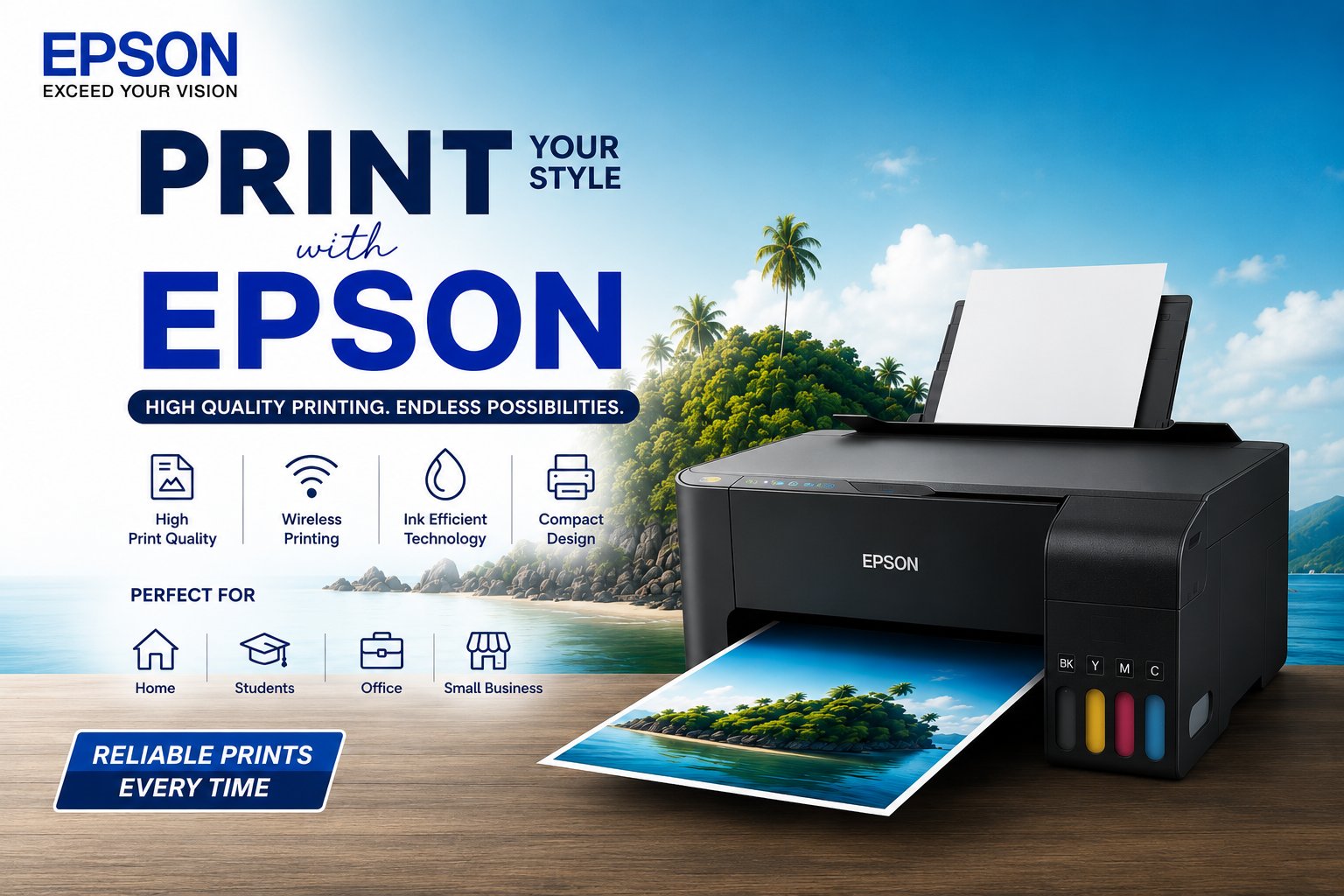
If you're setting up or upgrading a home office printer in 2026, the honest answer is that "best" depends more on how you actually print than on any single model. Epson's EcoTank range — every printer Sunlite Systems stocks from Epson is EcoTank — is built around refillable ink tanks instead of disposable cartridges, and that one design choice is what makes it worth considering over a cartridge-based printer in the first place.
Why Ink Tank Over Cartridge for Home Office Use
Cartridge printers are cheap to buy and expensive to run — replacement cartridges add up fast if you print regularly. EcoTank models cost more upfront but use large refillable ink tanks instead, bringing the running cost down to a fraction of a cent per monochrome page and a little over a cent per colour page. For a home office printing even a moderate volume — invoices, forms, the odd document — that difference pays for itself within the first year, and it only gets better the more you print.
What Actually Matters for a Home Office Printer
- Duplex (auto two-sided printing): saves paper and time on anything more than a page or two — worth prioritising if you print regularly.
- ADF (Automatic Document Feeder): only matters if you scan or photocopy multi-page documents often. Skip it if you mostly print rather than scan.
- Wi-Fi: lets the printer sit anywhere in the room instead of tied to one desk by a USB cable — genuinely useful once more than one person or device needs to print.
- Colour vs monochrome-only: if your printing is almost entirely text documents, a monochrome-only model is cheaper to buy and run — don't pay for colour capability you won't use.
Best Epson Printer by Use Case
Sunlite Systems stocks Epson's EcoTank line across all of these tiers — here's how to match a real model to how you'll actually use it:
Documents Only, No Colour Needed
If your home office printing is invoices, forms, and text documents with no need for colour or scanning, the Epson EcoTank M-series (M100, M105, M1100, M1170) is the cheapest to buy and run. The M1100 ships with a 3-year warranty, and the M1170 adds Wi-Fi for wireless printing from a laptop or phone.
Everyday Colour Printing, Occasional Scanning
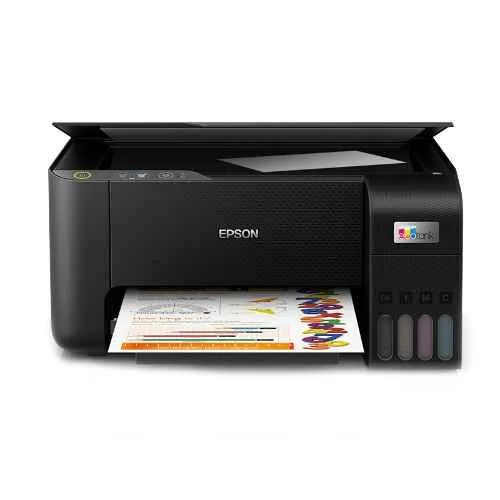
For a typical home office that needs colour output plus basic scan/copy capability, the Epson EcoTank L3250 / L3260 range is the standard pick — Wi-Fi all-in-one ink tank printers built for exactly this. They don't have an automatic document feeder, so multi-page scanning means feeding sheets one at a time, but for occasional use that's a reasonable trade-off for the lower price.
Wi-Fi + Duplex + ADF — the "Real" Home Office Setup
If you regularly scan or photocopy multi-page documents and want automatic double-sided printing, step up to the Epson EcoTank L4360 (Wi-Fi Duplex) or L5290 (with ADF). This tier is where a home office printer stops feeling like a compromise — duplex printing alone saves a meaningful amount of paper over a year of regular use, and the ADF turns a 10-page scan job from a manual chore into one button press.
High-Volume or Small-Team Use
For a home office that doubles as a small team workspace, or anyone printing high volumes regularly, the Epson EcoTank L14150 is explicitly built for business use — rated at 38ppm monochrome and 24ppm colour, with both ADF and auto duplex built in. It costs more upfront than the L-series all-in-ones, but at real business print volumes the running-cost advantage of EcoTank ink matters even more.
Buying Guide: What to Check Before You Order
Beyond the tier that fits your use case, a few practical checks are worth doing before you commit to a model. Confirm Wi-Fi is actually built in if you need wireless printing — not every budget model has it. Check whether duplex is automatic or manual — "supports duplex" sometimes just means you can manually flip the page yourself. And if colour photo printing matters to you specifically, look at Epson's dedicated photo printers (like the L8050 or L18050) rather than a general all-in-one, since photo-focused models use more ink colours for better colour accuracy.
Frequently Asked Questions
Is an Epson EcoTank printer worth the higher upfront cost?
For most home offices, yes — the running cost per page is low enough that the higher purchase price is usually recovered within the first year of normal use, and every year after that the ink tank model is cheaper to run than an equivalent cartridge printer.
Do I need an ADF (Automatic Document Feeder)?
Only if you regularly scan or photocopy multi-page documents. If you mostly print rather than scan, skip it and save the money for a different feature.
What's the difference between the M-series and L-series Epson EcoTank printers?
M-series models are monochrome-only, built for text-document printing at the lowest cost. L-series models add colour printing and, on higher models, ADF and duplex — pick based on whether you actually need colour output.
Which Epson printer is best for a small home-based business?
The Epson EcoTank L14150 is built specifically for business-level volume, with fast print speeds and both ADF and auto duplex — worth the higher upfront cost if you're printing regularly rather than occasionally.
Does Sunlite Systems deliver Epson printers pan India?
Yes — Sunlite Systems is an authorized Epson dealer and distributor shipping pan India, with genuine products and standard Epson warranty on every unit.
Sunlite Systems stocks the full Epson EcoTank range described above, with genuine products, standard warranty, and dealer pricing for bulk or repeat orders. Browse Epson printers at Sunlite Systems, or reach out directly — WhatsApp us, call +91 9311170950, or email info@sunlitesystems.com — and we'll help you match a model to how you actually print.
Comments
No comments yet. Be the first to share your thoughts!
Leave a Comment
Your email address will not be published. Comments are moderated before appearing.