

Introduction
Buying a laptop is one of the most important tech purchases you'll make. With hundreds of models across every price range, knowing what to look for saves you money and frustration.
1. Define Your Use Case
Before looking at specs, ask yourself: What will you primarily use the laptop for? Everyday browsing and documents require far less power than video editing or gaming.
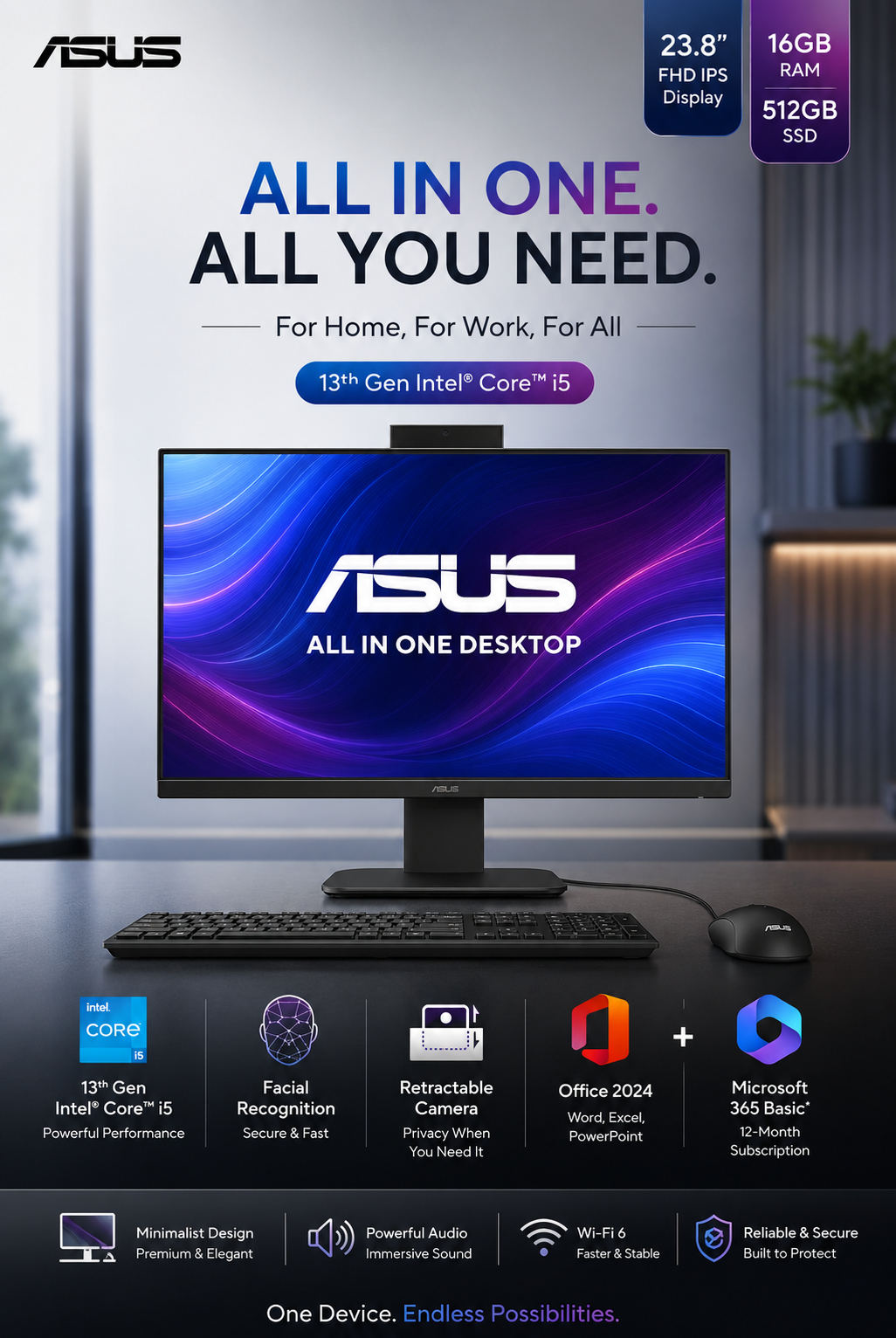
- Students & Office Workers: Core i5 or Ryzen 5, 8GB RAM, 512GB SSD
- Creators & Designers: Core i7/Ryzen 7, 16GB RAM, dedicated GPU
- Gamers: Core i7/i9, RTX 4060+, 16–32GB RAM
2. Processor (CPU)
The CPU is the brain of your laptop. Intel's 13th and 14th Gen Core processors and AMD's Ryzen 7000 series are the current sweet spots. For everyday use, even a Core i5 is more than adequate.
3. RAM — How Much Do You Need?
8GB is the minimum in 2025. 16GB is comfortable for multitasking. 32GB is for power users running virtual machines or heavy creative software.
4. Storage: SSD vs HDD
Always choose an SSD over HDD. NVMe SSDs are dramatically faster for boot times and file access. 512GB covers most users; get 1TB if you store lots of media.
5. Display Matters
Look for at least a Full HD (1920×1080) IPS panel with 300 nits brightness. A 120Hz+ refresh rate makes everything feel smoother. If you do colour-sensitive work, check the sRGB coverage.
6. Battery Life
Claimed battery life and real battery life differ. Aim for laptops with a 60Wh+ battery and read independent reviews. Thin-and-light laptops with efficient chips (Intel Evo or AMD U-series) often deliver 10–12 hours real-world.
Conclusion
Match the laptop to your actual needs, not the highest specs you can afford. A well-chosen mid-range laptop will serve you better than a high-spec machine that's too heavy to carry or too loud to use in class.

Comments 1
Leave a Comment
Your email address will not be published. Comments are moderated before appearing.