
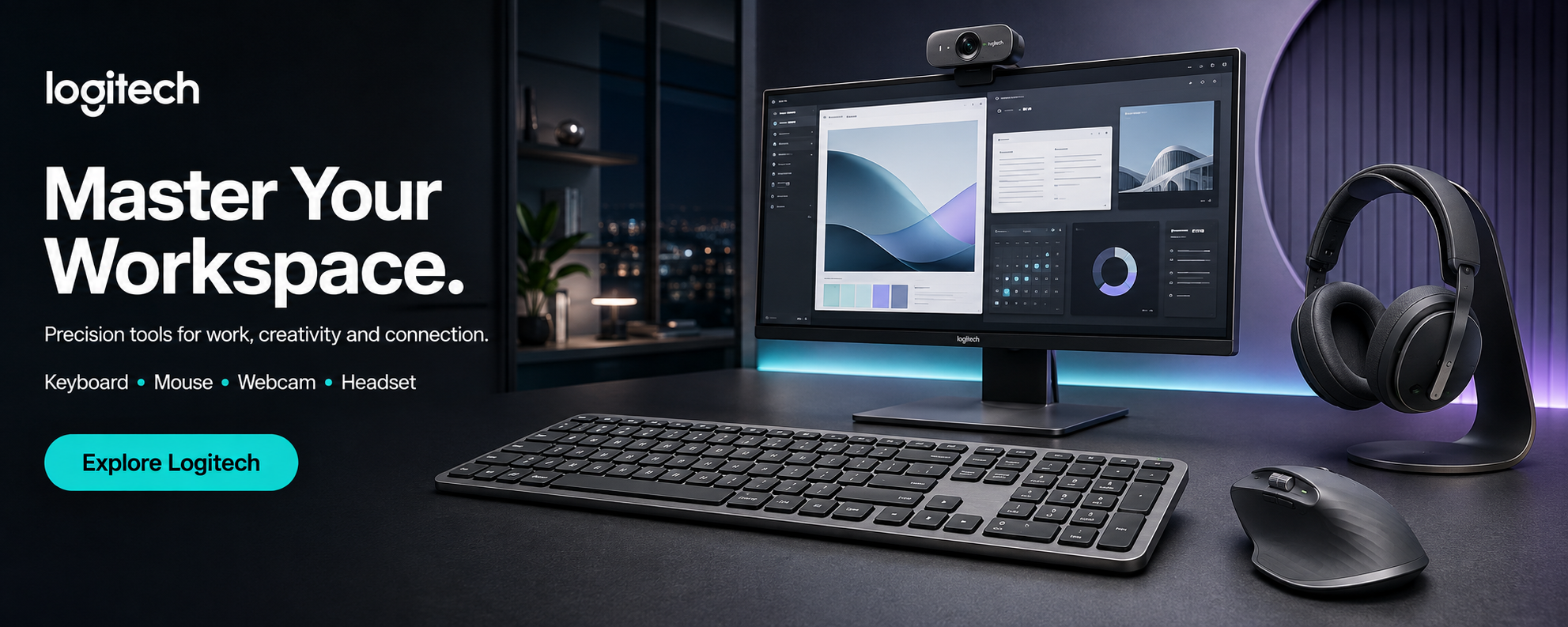
If you're comparing Logitech mice in 2026, the range at Sunlite Systems runs from a ₹537 basic wireless mouse to a ₹13,159 pro gaming mouse — and the right pick has almost nothing to do with price alone. It comes down to whether you're buying for all-day office use, portability, competitive gaming, or long typing/scrolling sessions where comfort matters more than specs.
Office Mouse vs. Gaming Mouse — What Actually Changes
Office and productivity mice — the M-series, Signature M650, MX Anywhere, and MX Master lines — are tuned for comfort over long sessions, quiet "silent click" switches for open offices, and multi-device Bluetooth so one mouse can jump between a laptop and desktop. Gaming mice — the G-series — trade some of that comfort focus for high-DPI optical sensors, low click latency, on-board memory for custom profiles, and (on the higher-end models) ultra-light bodies built for fast competitive movement. A productivity mouse will feel imprecise for fast FPS gaming, and a gaming mouse's RGB and aggressive shape aren't built for eight hours of spreadsheet work — matching the mouse to what you actually do with it matters more than chasing the highest spec.
What Actually Matters When Choosing a Logitech Mouse
- How you connect: a USB receiver (2.4 GHz) is the most reliable for a single desktop; Bluetooth models add multi-device switching, useful if you move between a laptop and desktop through the day.
- Noise level: open offices and shared spaces benefit from "Silent Plus" mice (M330, M331, M220, M240) that cut click noise noticeably versus a standard mouse.
- Hand comfort over long sessions: if you're at a desk most of the day, a shaped ergonomic mouse (MX Master, Lift) reduces strain far more than a flat travel mouse.
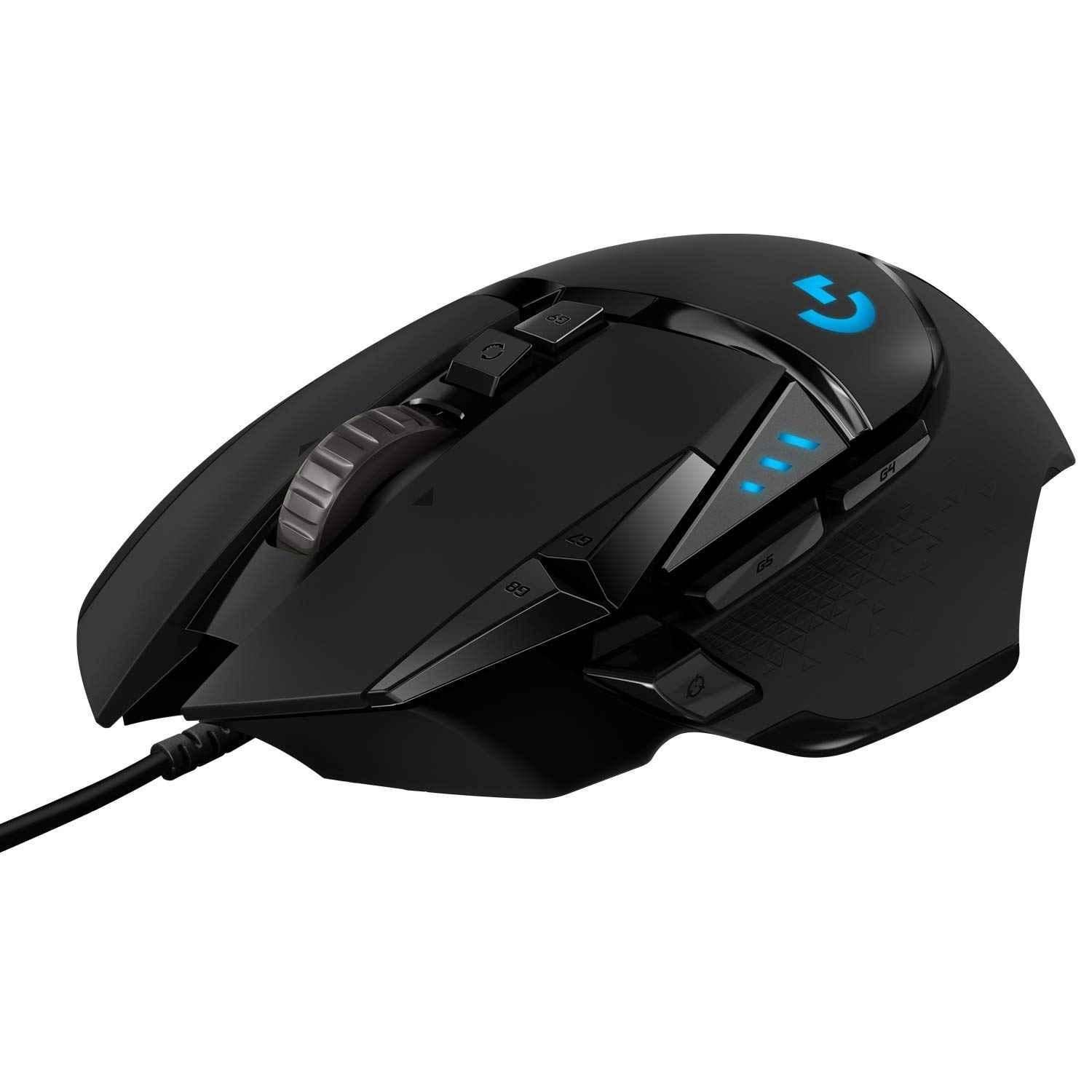
- Gaming needs: casual and budget gaming is fine on a wired mouse like the G203; competitive/FPS gaming benefits from the lighter, wireless G Pro X Superlight and G502 Lightspeed models with higher-precision HERO sensors.
Best Logitech Mouse by Use Case
Sunlite Systems stocks Logitech mice across every tier below — here's how to match a real model to your setup:
Absolute Budget, Basic Wireless
For a simple, no-frills wireless mouse to replace a broken one or set up a basic desk, the Logitech M171 (₹537), M170 (₹607), and B175 (₹647) cover reliable point-and-click at the lowest price in the range.
Silent/Quiet Office Use
For open offices or shared spaces where click noise is a real annoyance, the Logitech M330 Silent Plus (₹824), M220 Silent (₹824), and M331 Silent Plus (₹867) cut click sound noticeably while keeping normal wireless performance.
Portable Everyday Mouse
For laptop users who want something slim and pocketable, the Logitech Pebble M350 (₹1,295–1,553) and Pebble 2 M350s (₹1,995) switch between Bluetooth and a USB receiver in a slim, quiet body built for travel.
Productivity and Power Users
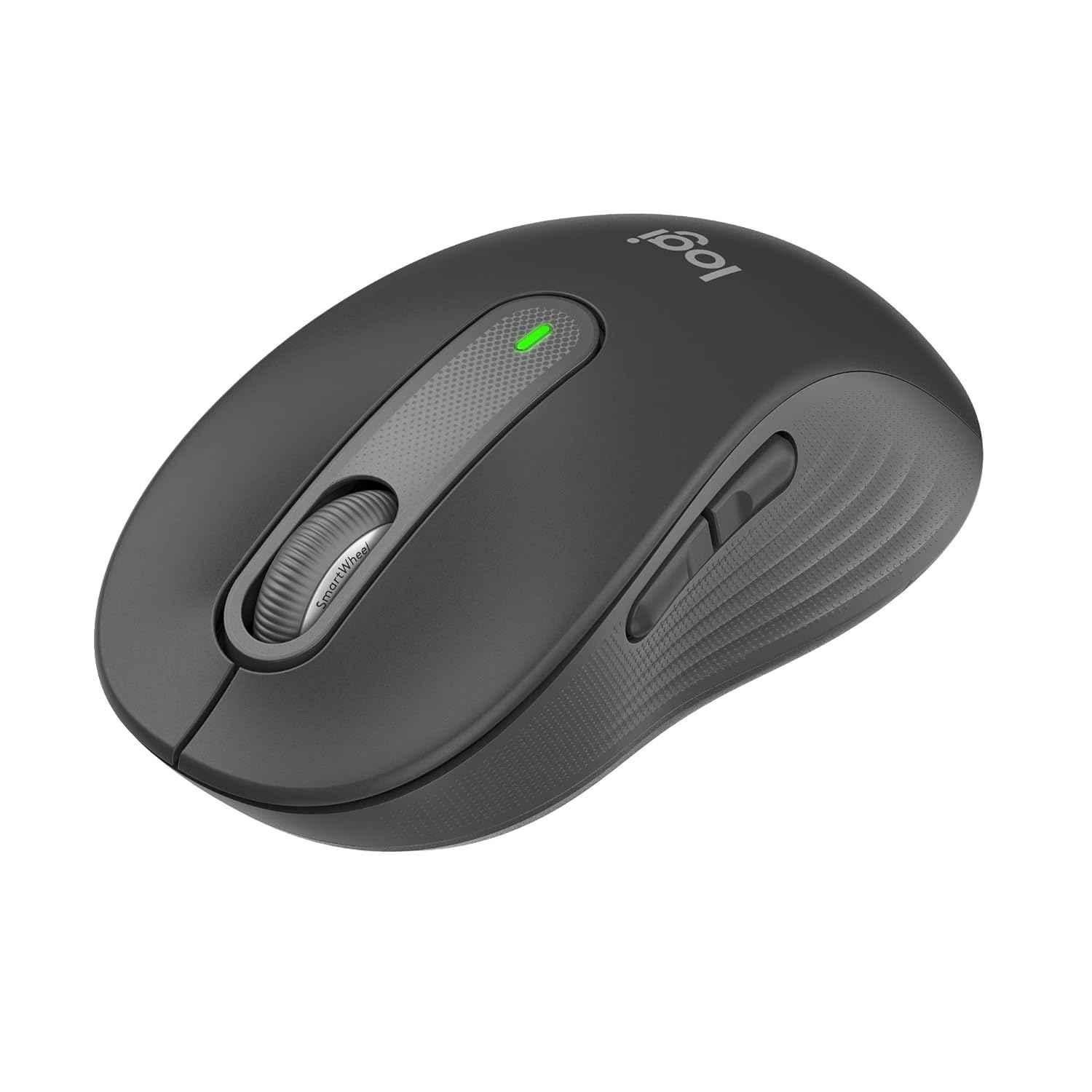
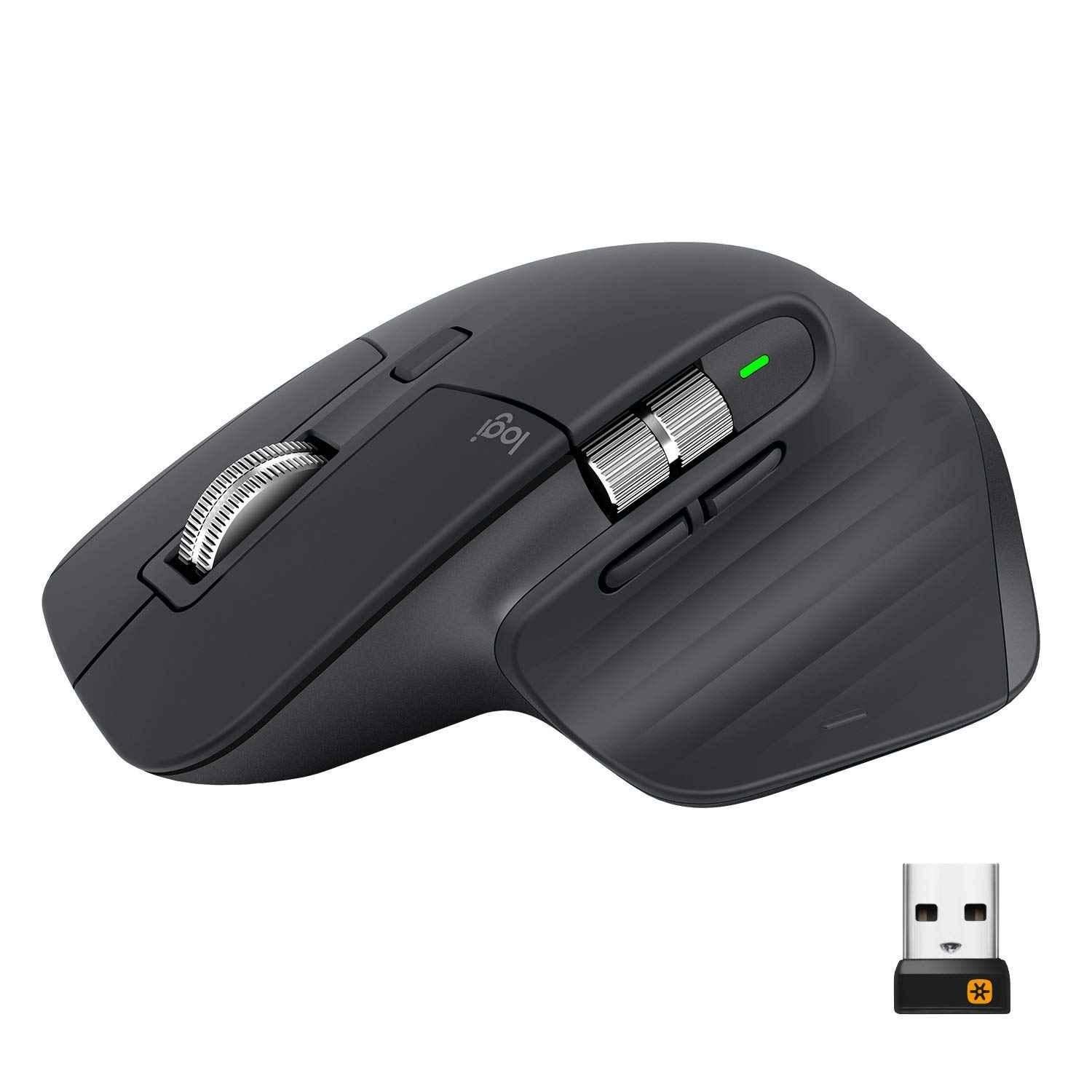
For anyone at a desk most of the day, the productivity mouse tier is where comfort and multi-device features pay off: the Signature M650 (₹2,079) is the budget-friendly, portable entry point; the MX Anywhere 3S (₹5,741) adds faster scrolling and any-surface tracking in a still-compact body; and the MX Master 3 (₹8,840) is the full power-user option with a thumb wheel, extra buttons, and the most comfortable shape for extended sessions.
Ergonomic / Wrist Strain Relief
If regular mice cause wrist or forearm discomfort over long sessions, the Logitech Lift Vertical Mouse (₹4,704) holds your hand in a natural handshake position instead of flat-palm-down, which is worth the switch for anyone dealing with strain.
Budget Gaming
For casual and budget gaming without chasing pro-level specs, the Logitech G203 (₹1,393–1,599) is a wired gaming mouse with a responsive HERO sensor and RGB lighting at the lowest entry price in the G-series.
Serious/Competitive Gaming
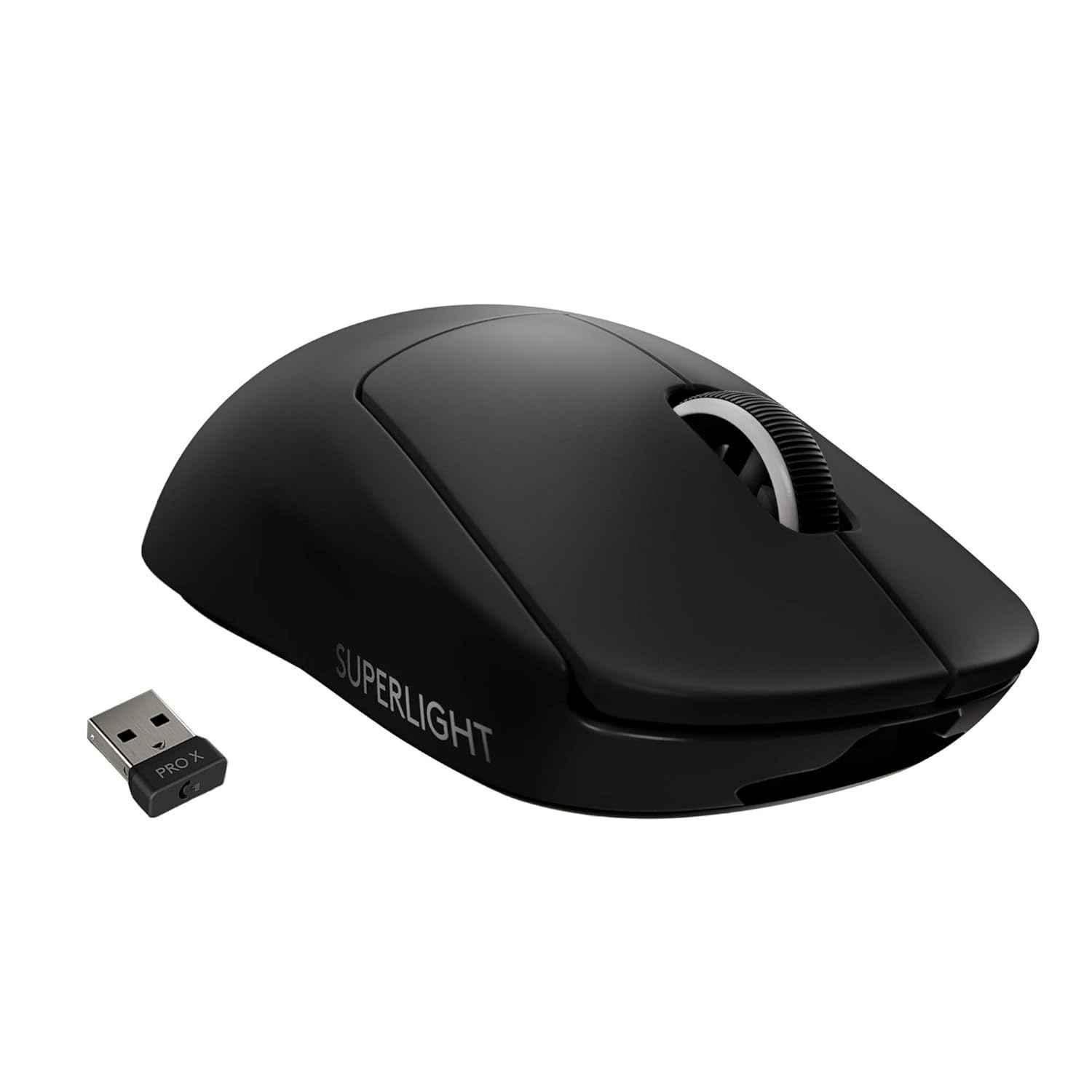
For gamers who want wireless with no compromise, the G502 Hero (wired, ₹3,092) and G502 Lightspeed (wireless, ₹6,186) pack an ergonomic shape with extra programmable buttons, while the ultra-light G Pro X Superlight (₹13,159) and G Pro X Superlight 2 (₹12,201) are built for competitive FPS play where every gram of weight affects fast movement.
Buying Guide: What to Check Before You Order
Start with how you'll use it, not the spec sheet — an office mouse doesn't need a gaming sensor, and a gaming mouse won't feel comfortable for a full workday. If click noise is a problem in your workspace, look specifically for "Silent Plus" or "Silent" in the model name. If you switch between a laptop and desktop through the day, pick a Bluetooth multi-device model over a single USB-receiver mouse. And for gaming, decide whether you're casual (G203 wired is enough) or competitive (the lighter, pricier Lightspeed/Superlight models are worth it) before spending up.
Frequently Asked Questions
What's the real difference between the Signature M650, MX Anywhere 3S, and MX Master 3?
The M650 is the most affordable and portable, good for everyday use. The MX Anywhere 3S adds faster scrolling and works on more surfaces while staying compact. The MX Master 3 is the most feature-rich, with a thumb wheel and extra buttons, best for power users at a desk most of the day.
Is a "Silent Plus" mouse actually quieter?
Yes — models like the M330, M331, and M220 use switches specifically designed to reduce click noise by a noticeable amount versus a standard mouse, which matters in open offices or shared rooms.
Should I buy a wired or wireless gaming mouse?
For casual gaming, a wired mouse like the G203 is simpler and cheaper with no battery to manage. For competitive or fast-paced gaming, Logitech's Lightspeed wireless mice (G502 Lightspeed, G Pro X Superlight) now match wired latency while being lighter and cable-free.
Can one Logitech mouse switch between my laptop and desktop?
Yes — Bluetooth models (MX Master, MX Anywhere, Pebble, Signature M650) support multi-device switching, letting you jump between paired computers, usually with a button press or through Logi Options+ software.
Are the Logitech mice from Sunlite Systems genuine, with warranty?
Yes — Sunlite Systems is an authorized Logitech dealer and distributor, and every mouse ships genuine with standard Logitech warranty.
Does Sunlite Systems deliver Logitech mice pan India?
Yes — Sunlite Systems ships Logitech mice pan India, with dealer pricing available for bulk or repeat business orders.
Sunlite Systems stocks the full Logitech mouse range described above, with genuine products, standard warranty, and dealer pricing for bulk or repeat orders. Browse Logitech mice and keyboards at Sunlite Systems, or reach out directly — WhatsApp us, call +91 9311170950, or email info@sunlitesystems.com — and we'll help you match a mouse to how you actually work or play.

Comments
No comments yet. Be the first to share your thoughts!
Leave a Comment
Your email address will not be published. Comments are moderated before appearing.